
When you stream on Kodi, video pausing, regional content limitations, and slow internet speeds can be really frustrating.
In 2026, ExpressVPN, NordVPN, andSurfshark work well for these issues by offering reliable connections and broad device support.
In this guide, we also look at four other VPN options, explain why Kodi users benefit from a VPN, and show how to set one up. You’ll also come to know about the risks of streaming without a VPN and how to avoid them.
Top 5 VPNs for Kodi Comparison (2026)
We have covered the five VPNs that work with Kodi, ensuring that your streams are smooth, your connection is secure, and allowing you to use them on different devices without hassle.
| VPN Service | Servers/Countries | Speed Rating | Starting Price | Key Feature |
|---|---|---|---|---|
| ExpressVPN | 105 countries | 4.0 (26k reviews) | $4.49/month | MediaStreamer |
| NordVPN | 165 countries | 4.2 (43k reviews) | $3.09/month | Threat Protection |
| Surfshark | 3,200+ servers in 100 countries | 4.4 (27k reviews) | $2.49/month | Unlimited Devices |
| CyberGhost | 100 countries & 125 locations | 4.0 (23k reviews) | $2.19/month | Streaming Profiles |
| PIA | 91 countries | 4.2 (10k reviews) | $2.03/month | Open Source |
These five VPN providers maintain verified zero-logs policies for secure streaming. There are native applications for Fire TV Stick, Android TV boxes, and standard Kodi-compatible devices.
Why You Need a VPN for Kodi (2026)
We use VPN with Kodi to keep your streaming activity private and secure. It prevents your internet provider from monitoring or slowing down your connection during high-traffic periods.
Many Kodi add-ons source the content from other countries, which can sometimes cause copyright issues.
A VPN hides your real location and allows you to stream content from other countries on your Smart TV without any interruptions. Check out some of the top VPNs for your Smart TV.
Top 5 VPNs for Kodi in 2026
There are over 1.75 billion VPN users worldwide, which means VPNs have become a trusted way for people to stream content freely and protect their online activity.
We have evaluated these five VPNs based on their reliable streaming performance, server networks, privacy features, and multiple device support, so that you can make your decision wisely.
Let’s look into each VPN service:
1. ExpressVPN – Premium Performance Standard
| Feature | Specification |
|---|---|
| Refund Policy | 30 days |
| Security Protocol | AES-256-bit military-grade |
| Platform Support | Fire TV Stick, Android TV, Windows, Mac, Linux, and routers |
| Customer Service | 24/7 live chat with instant response |
ExpressVPN keeps your Kodi streams fast and stable, even during busy hours. It has over 3,000 servers in 105 countries, so you can access content from many locations.
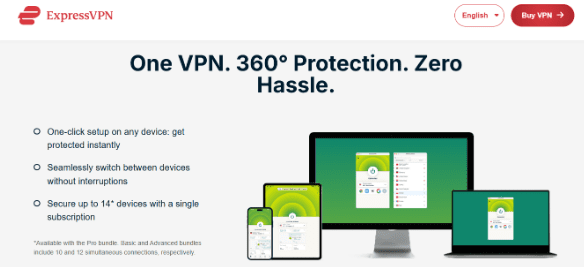
The Lightway protocol protects your data without slowing your connection. MediaStreamer lets you use it on older Kodi devices, and split tunneling lets you choose which apps use the VPN. Its higher cost reflects its reliable performance.
2. NordVPN – Advanced Security Infrastructure
| Feature | Specification |
|---|---|
| Refund Policy | 30 days |
| Security Protocol | Double VPN with AES-256 |
| Platform Support | All major platforms, 10 simultaneous connections |
| Customer Service | 24/7 live chat and email |
NordVPN has nearly 6,000 servers in 165 countries, so you can reach content from almost anywhere. It also blocks the harmful add-ons and ads while keeping your activity private.
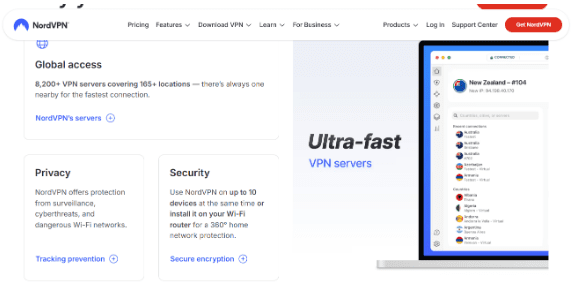
SmartPlay makes it easy to bypass location blocks without extra setup. The Firestick app quickly connects to the best server. This VPN is great for safe and smooth streaming.
3. Surfshark – Unlimited Connection Value
| Feature | Specification |
|---|---|
| Refund Policy | 30 days |
| Security Protocol | AES-256-GCM with perfect forward secrecy |
| Platform Support | Unlimited simultaneous connections |
| Customer Service | 24/7 multilingual live chat |
Surfshark allows you to connect with unlimited devices at once, which makes it great for households with many gadgets. It has nearly 3,200+ servers in 100 countries that keep streaming fast and reliably.
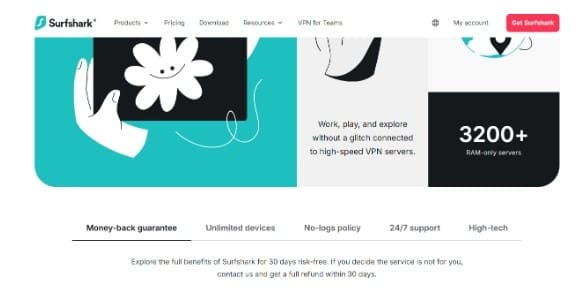
The features of Surfshark, like CleanWeb blocks ads and malware, NoBorders bypasses restricted networks, and Camouflage Mode hides VPN traffic. It’s a budget-friendly choice for smooth and secure Kodi streaming.
4. CyberGhost – Simplified User Experience
| Feature | Specification |
|---|---|
| Refund Policy | 45 days (industry-leading) |
| Security Protocol | AES-256 with automatic kill switch |
| Platform Support | 7 simultaneous connections, dedicated apps for all platforms |
| Customer Service | 24/7 live chat with comprehensive setup documentation |
CyberGhost is easy to use, due to its ready-made streaming profiles, even for Kodi. It has nearly 11,000 servers, so slow speeds are rare. NoSpy servers add extra privacy, and the Firestick app connects with one click.
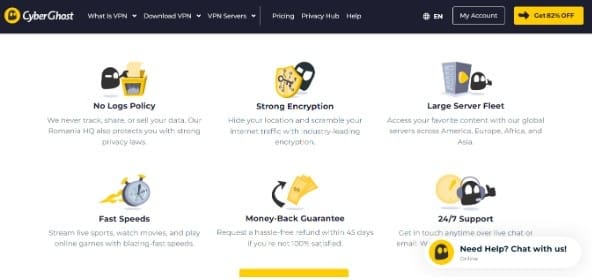
You also get 45 days to try it, which is more than any VPN’s money-back guarantee. If you want a VPN that works right away without setup stress, CyberGhost is a strong pick. It is great for beginners.
5. Private Internet Access (PIA) – Transparency Through Open Source
| Feature | Specification |
|---|---|
| Refund Policy | 30 days |
| Security Protocol | Customizable (AES-128 or AES-256) |
| Platform Support | 10 devices, open-source clients |
| Customer Service | 24/7 live chat and extensive documentation |
PIA is one of the few VPNs that is fully open-source, which means anyone can review its code. You also have full control over settings like encryption, protocols, and port forwarding
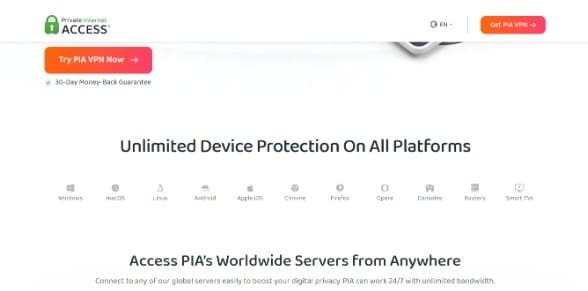
It blocks ads and trackers because of its MACE feature. With servers in 91 countries, you won’t face speed issues. PIA has the port forwarding for the Kodi-addons..
How to Set Up a VPN on Kodi (Step-by-Step)
The setup of the VPN on Kodi is simple and doesn’t take much time. You can follow these steps for setting up VPN on Kodi (I am using ExpressVPN as an example):
Step 1: Select VPN Service
You can choose one of the five recommended VPNs based on speed, features and your budget.
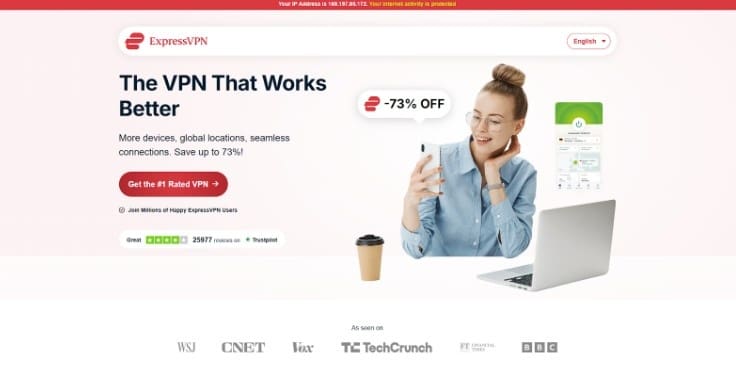
Step 2: Complete Subscription Process
Visit the VPN’s official website, select a plan, and download the app for your device.
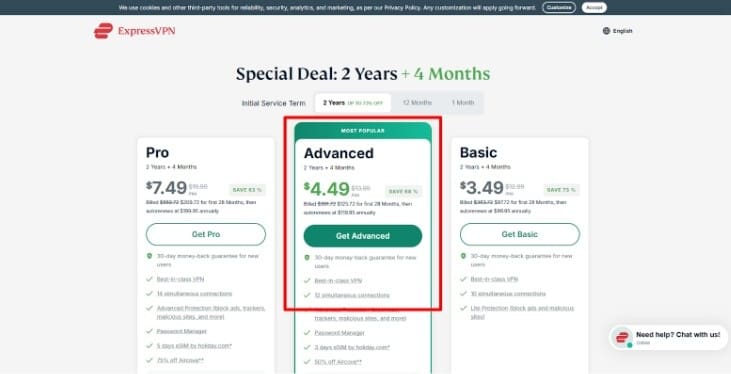
Step 3: Install Application
Install the application, then follow the instructions, and log in with your account details.
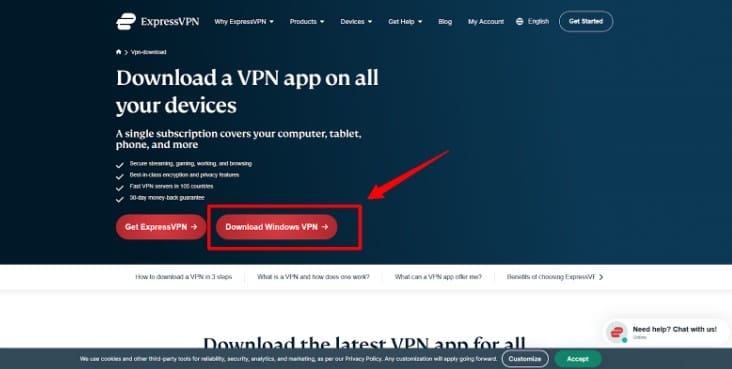
Step 4: Select the Server Location
Review available server locations and connect to the desired region.
Step 5: Verify Connection Status
Make sure the VPN is connected to the server before streaming on Kodi.
Step 6: Open the Kodi Application
Launch Kodi while maintaining the VPN connection active in the background.
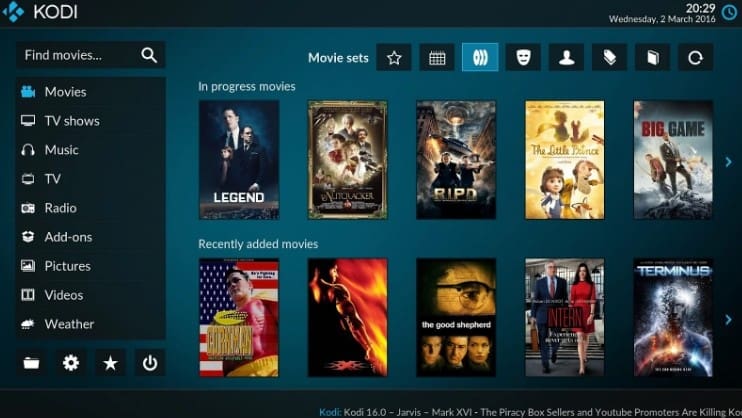
By following these steps, you can set up a VPN with Kodi and stream without any bottlenecks
What Happens If You Use Kodi Without a VPN?
When you use Kodi without a VPN exposes all your streaming activity to continuous ISP monitoring and data logging. Service providers track your activity and frequently issue copyright warnings.
During the peak busy hours, the connection may slow down, which causes buffering. Content from the other region will be unavailable, and the public Wi-Fi becomes risky since hackers can get access to your data.
The use of VPNs can also cause lag, affecting internet speed. Therefore, opt for a reliable VPN that provides smooth and secure streaming.
Also Read:
Conclusion: ExpressVPN Stands as the Best VPN for Kodi
A VPN is essential for Kodi to keep your streaming private. It prevents slowdowns from ISP throttling and allows access to content from anywhere.
ExpressVPN delivers fast, reliable connections and works on many devices, making streaming seamless. Other VPNs, such as NordVPN, Surfshark, CyberGhost, and PIA, also offer good security and flexibility.
Use a trusted VPN to ensure uninterrupted playback, protect your data, and gain access to geo-restricted content for a safer and smoother Kodi experience.
FAQs
You can set up a VPN on Kodi by installing the VPN app on the device where you use Kodi. This will protect all your streaming activity and keep your connection private.
ExpressVPN is the best VPN to use with Kodi, based on speed and reliability metrics.
You need the VPN for a jailbroken Firestick because it hides your activity, prevents warnings, and avoids slowdowns.
Using a VPN is legal in most countries, including the US, Canada, and Europe. However, accessing the copyrighted content is not legal.
VPNs stop the ISP throttling, which often improves the streaming speeds. You can connect with the nearby server to make Kodi faster.
